Evalm
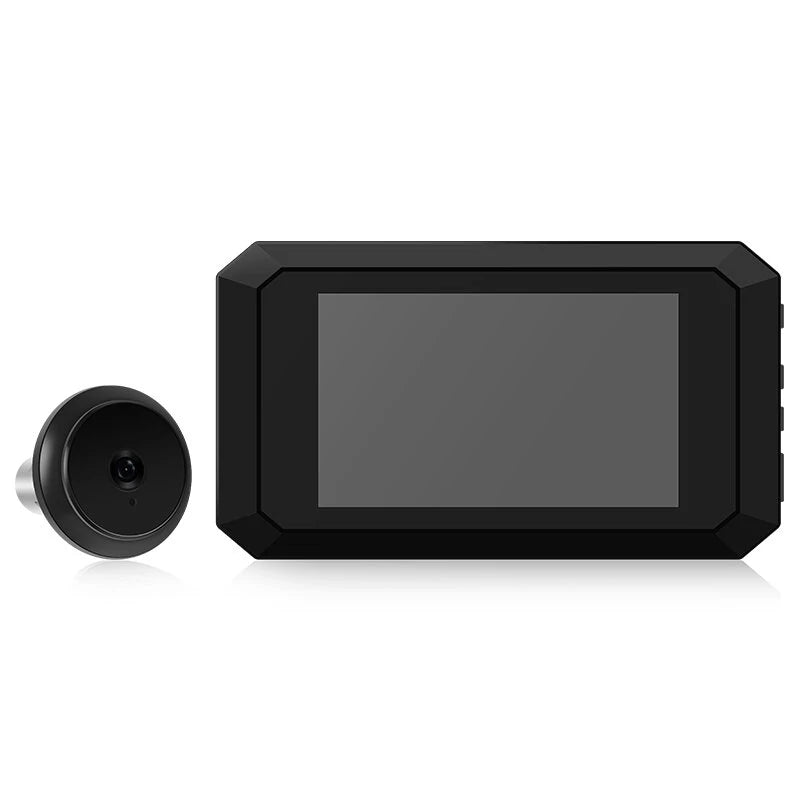
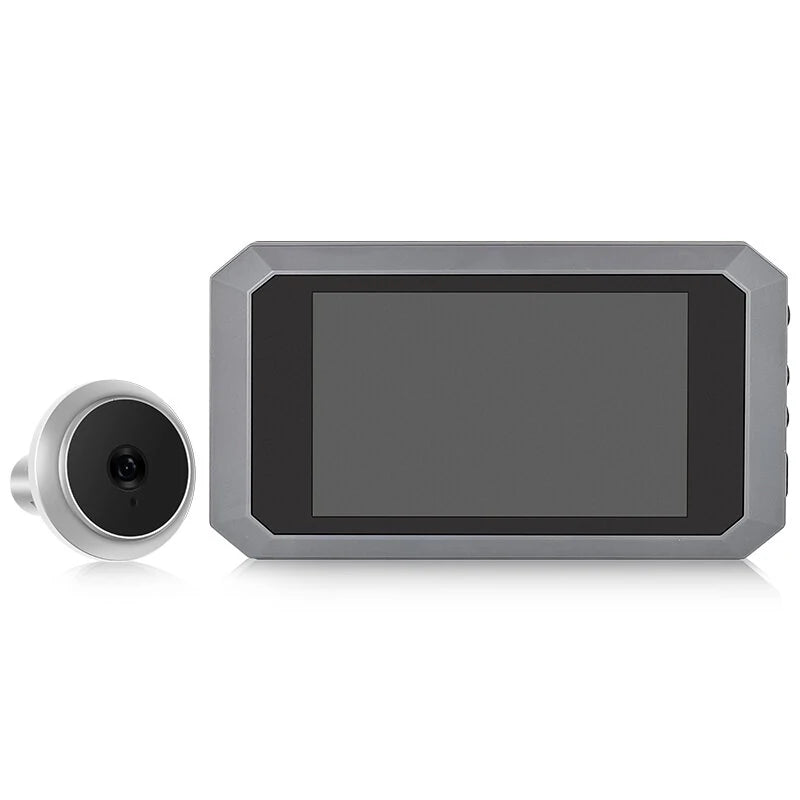
N9S 3.97 LCD Digital Doorbell with Night Vision Camera & Photo Recording
N9S 3.97 LCD Digital Doorbell with Night Vision Camera & Photo Recording
Regular price
$46.99 USD
Regular price
$0.00 USD
Sale price
$46.99 USD
Shipping calculated at checkout.
 Estimated Delivery: -
Quantity
Couldn't load pickup availability

Guaranteed secure & safe checkout.

Product Specification
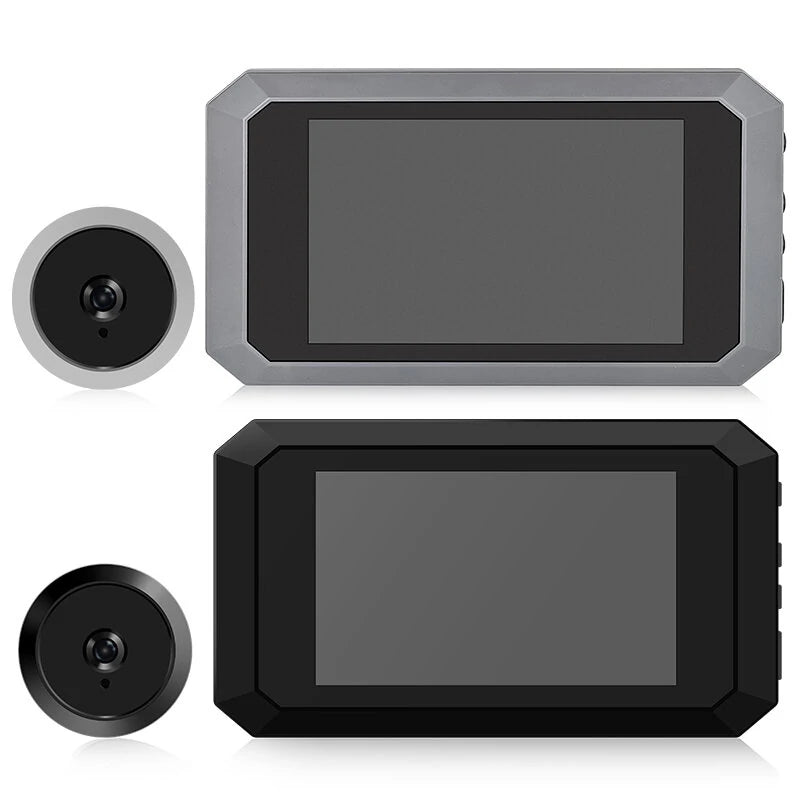
- Color (Optional): Black, Grey
- Screen Size: 3.97" HD Display
- Charging Cable Interface: Type-C
- Diameter Range of Door Hole: 15-30 mm / 0.59-1.18 in
- Door Thickness Range: 5-80 mm / 0.19-3.14 in
- Resolution: 480 x 800
- Camera Pixel Options: 200W or Other Configuration
- Lithium Battery: 1400mAh, 3.7-4.2V
- Camera Quality: 1080p
- Internal Storage: 720p
- Language Support: English, Chinese, Russian, French, Italian, German, Japanese, Korean, Czech, Turkish, Arabic
Features
- Low light super night vision function
- No light, no sensation, no heat, no exposure at night capture
- High strength alloy cat eye head 2 million pixels
- Large angle of view, wide angle
- Super thick 304 stainless steel hanging plate
Dimensions
- Outdoor Unit: Diameter 40 mm, Thickness 10 mm
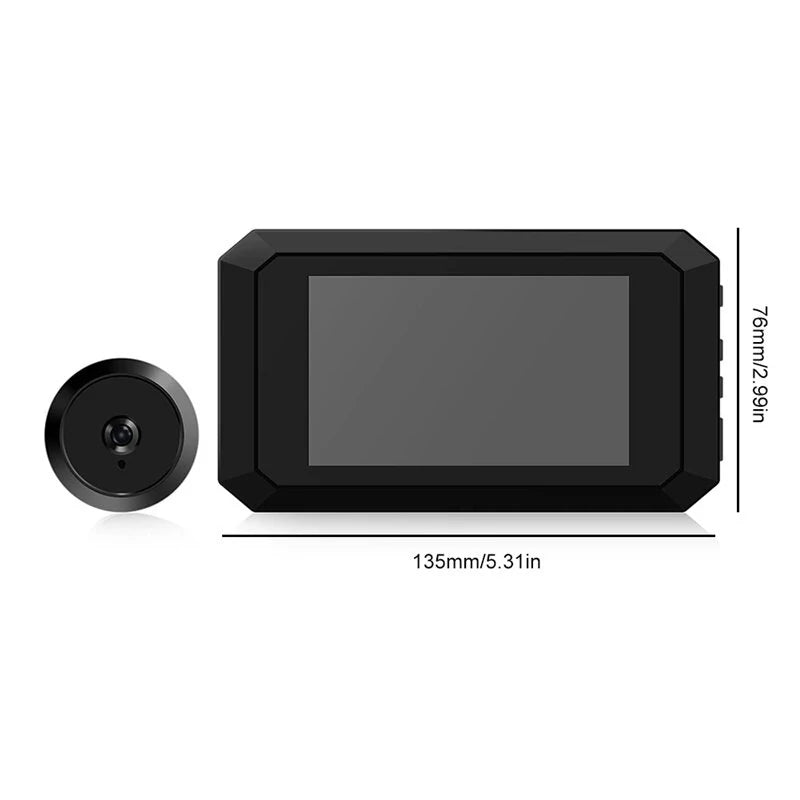
- Indoor Unit: 135 x 76 x 13 mm / 5.31 x 2.99 x 0.51 inch
- Color Box: 190 x 100 x 70 mm / 7.48 x 3.93 x 2.75 in
- Gross Weight: 300 g
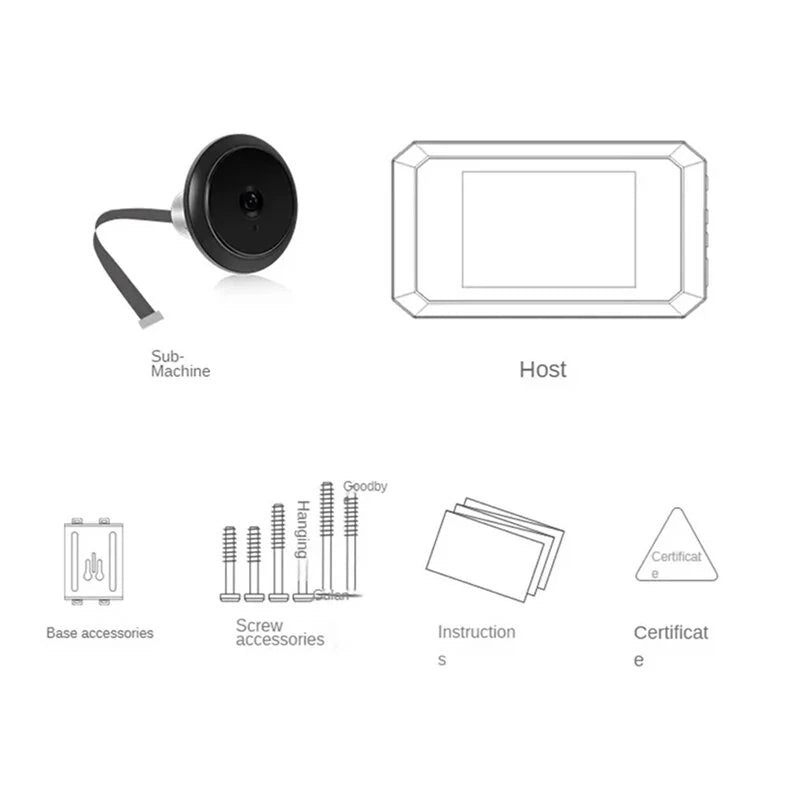
Package Includes
- 1x Indoor Unit
- 1x Outdoor Unit
- 4x Screws
- 1x Stainless Steel Bracket
- 1x Instruction Book
Attention
- Place the product on a stable surface to prevent damage from falling. Avoid touching the sensor of the outdoor unit.
- Do not press the LCD display area to avoid damage.
- Avoid exposure to dust, moisture, and high temperatures.
- Insert a high-speed SD card (8G or more recommended; 16G or 32G is ideal) before installation. Ensure storage speed of at least C10.
- Align and gently close the cable cover when installing the flexible cable for the fuselage.
- Keep the exterior of the outdoor unit lens clean.
Common Problems and Solutions
No Photos or Videos
- Press the reset key each time you insert/remove the cable. Reset if the machine freezes or enter settings to return to factory settings.
- Check the soft cable (FPC) orientation, rear cover fit, and cable interface condition.
- Ensure the SD card is inserted and is a valid high-speed card (16G or 32G recommended).
- Format a new memory card initially via Camera Settings - Format Memory Card.
Device Will Not Turn On
- Memory card failure might be the cause; check the card speed and condition.
- Ensure the cable is securely fastened.
- The battery may be depleted; charge if necessary. If needed, format the memory card using a computer.
Images Are Blurry
- Check for dirt on the camera surface.
- Remove the camera protective film if present.
Fast Power Consumption
- Switch to photo mode under Camera Settings for energy efficiency.
- Connect data line for consistent power supply.
- Press the reset key to restore system settings.
- Format the memory card if needed; use a computer if necessary.