Evalm
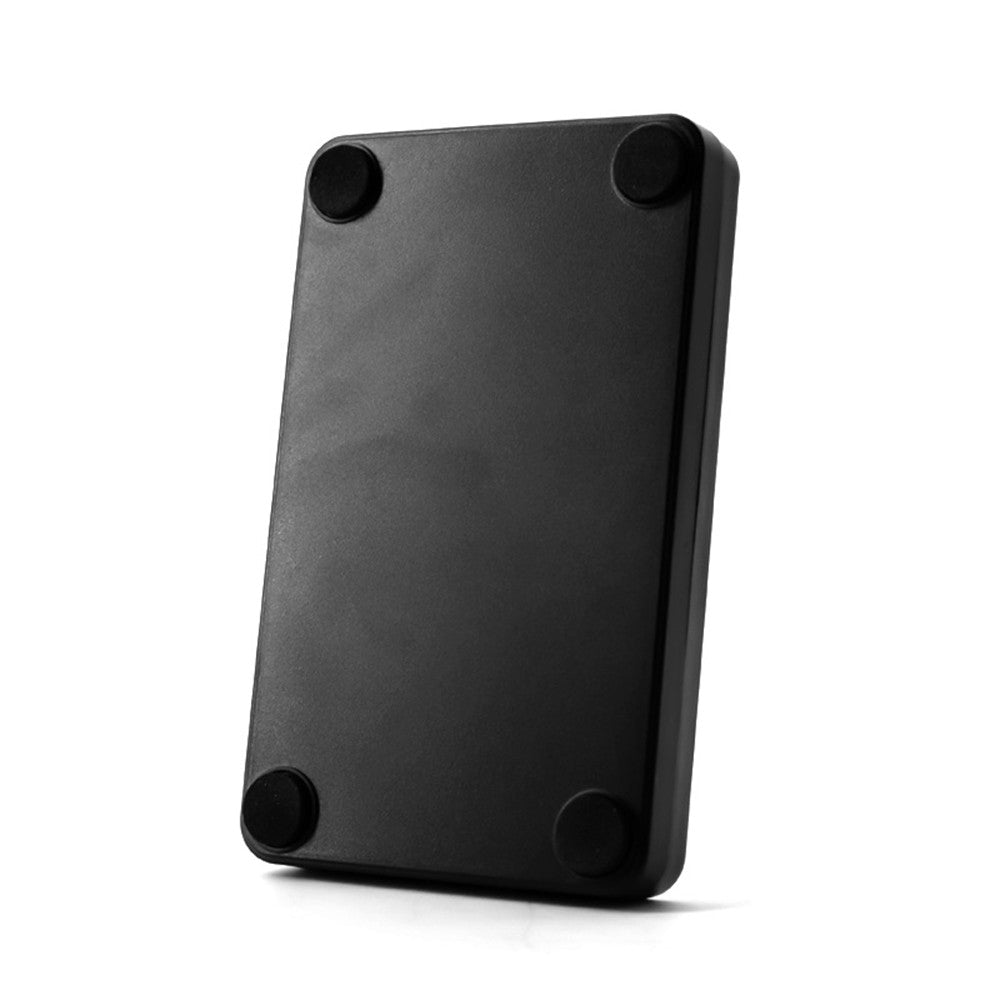
134.2Khz USB RFID ID Card Reader for EMID/FDX-B - Animal & Fish Management
134.2Khz USB RFID ID Card Reader for EMID/FDX-B - Animal & Fish Management
Regular price
$22.99 USD
Regular price
$0.00 USD
Sale price
$22.99 USD
Shipping calculated at checkout.
 Estimated Delivery: -
Quantity
Couldn't load pickup availability

Guaranteed secure & safe checkout.

Key Features
- Complies with ISO 11784/5 international standards, utilizing a working frequency of 134.2KHz for high stability.
- Compatible with EMID and FDX-B format tags.
- Plug and play functionality via USB; supports Windows XP, CE, 7, 10, Linux, Vista, and Android systems.
- LED indicators: Green for reader status, blue for power status; equipped with a built-in buzzer.
- Compact, portable design made from durable, high-quality ABS material.
- Ideal for use in animal management, fish management, and automated feeding systems.
Specifications
- Model: W81
- Working Frequency: 125Khz & 134.2Khz
- Card Reader Type: EMID, FDX-B, etc.
- Operating Voltage: 5V
- Reading Distance: 0~150mm (varies by label)
- Card Reading Speed: 0.2 seconds
- Dimensions: 105x65x15mm
- Communication Interface: USB
- Operating Temperature: -20°C to 70°C
- Working Current: 100mA
- Card Reading Time: <100ms
- Weight: 120g
- Compatible Operating Systems: Windows XP, CE, 7, 10, Linux, Vista, Android
- Status Indicator: 2-color LED (Blue: power, Green: status)
- Built-in Horn: Buzzer with control for LED and buzzer
- Package Size: 12.5x8.5x3.8cm (4.9x3.3x1.4in)
- Package Weight: 150g (5.2oz)
Installation and Usage
How to Use/Install
- Connect one end of the data cable to the computer's interface, and the other to the card reader's communication port. The card reader will initialize and beep.
- When the indicator light is blue, the card reader is ready for card swiping.
Note: To test label reading, open software like Notepad, WORD, or EXCEL, bring the card close to the reader, and the number will display at the cursor.
Verification Method
To verify the connection, access the "Device Manager" on your computer. If an ergonomic input device appears, the card reader is successfully connected.
Packing List
- 1 x Card Reader
- 1 x USB Cable